Situation
HR teams needed a consistent way to monitor job pipelines, candidate volume, stage conversion, and workload, instead of fragmented operational checks inside the ATS itself.
Data Analytics
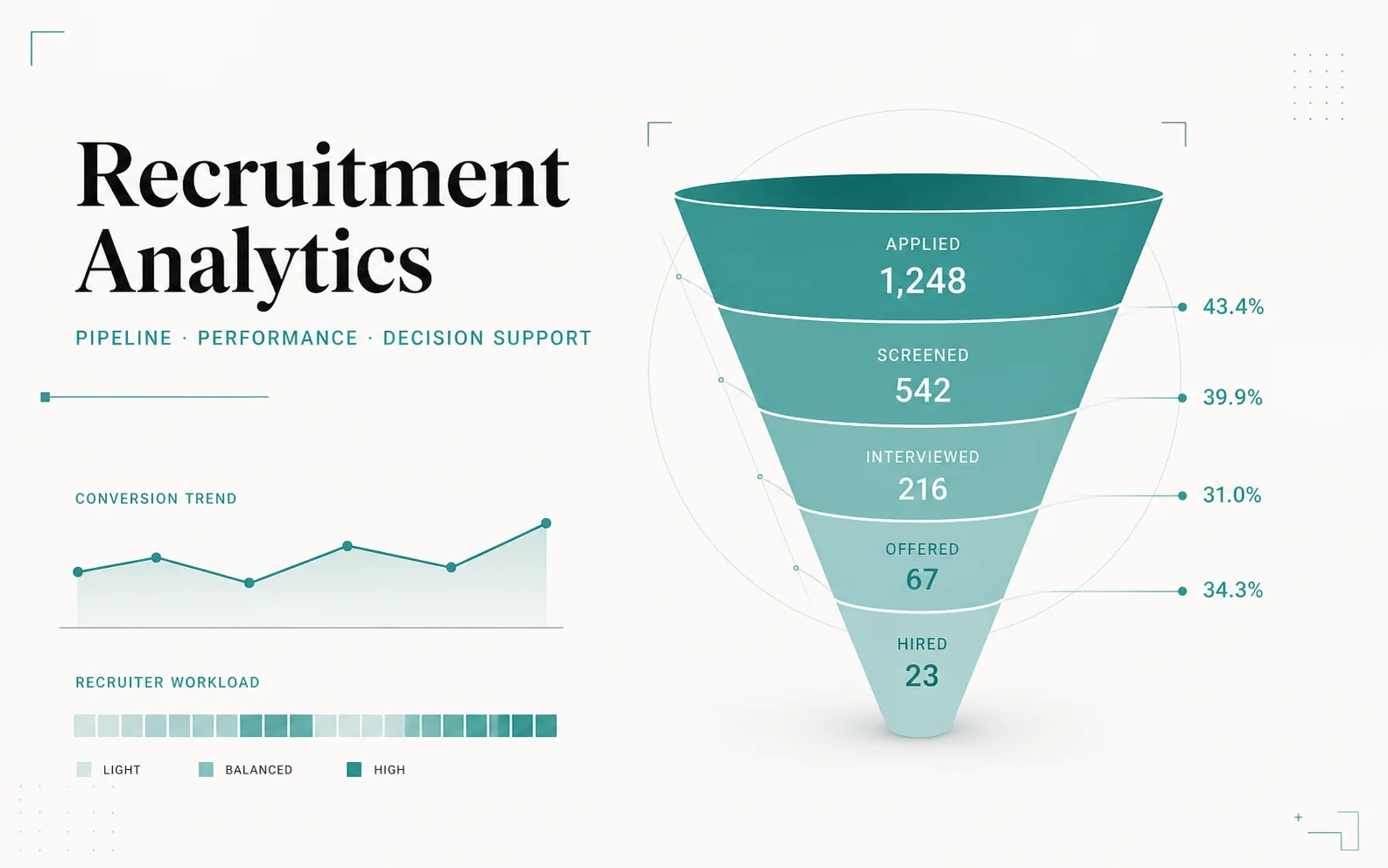
A Power BI reporting layer that transforms recruitment operations into pipeline, workload, progress, and performance indicators.
Why it matters
My role
HR teams needed a consistent way to monitor job pipelines, candidate volume, stage conversion, and workload, instead of fragmented operational checks inside the ATS itself.
Build a Power BI reporting layer on top of the Odoo recruitment workflow that turns pipeline activity into shared, trustworthy indicators for managers and recruiters alike.
Managers get an aggregate view of recruitment performance while recruiters can still trace any signal back to the underlying workflow, replacing fragmented operational checks with one shared monitoring view.
Technical implementation
Each layer connects an implementation choice to the decision or workflow it supports.
05 layers| Layer | Implementation | Operational purpose |
|---|---|---|
| Operational source | Odoo jobs, candidates, stages, owners, activity and time fields | Preserve the recruitment process behind each reported metric |
| Preparation | Power Query cleaning, typing, reshaping and relationship-ready keys | Convert operational records into analysis-ready reporting entities |
| Data model | Related job, candidate, stage, recruiter and calendar structures | Support consistent slicing by role, stage, owner and period |
| Measures | DAX indicators for pipeline volume, progress, conversion, workload and ageing | Make recruitment flow and bottlenecks measurable |
| Workflow connection | Aggregate Power BI views linked conceptually to underlying ATS records | Let managers monitor performance while recruiters retain operational detail |